
Using the traditional PowerPoint presentation slide will easily make your audience bore. So, to make your audience surprise softgrame is working so hard to create beautiful, attractive and well-organized presentation slides for you and for free.
About this PowerPoint Infographic
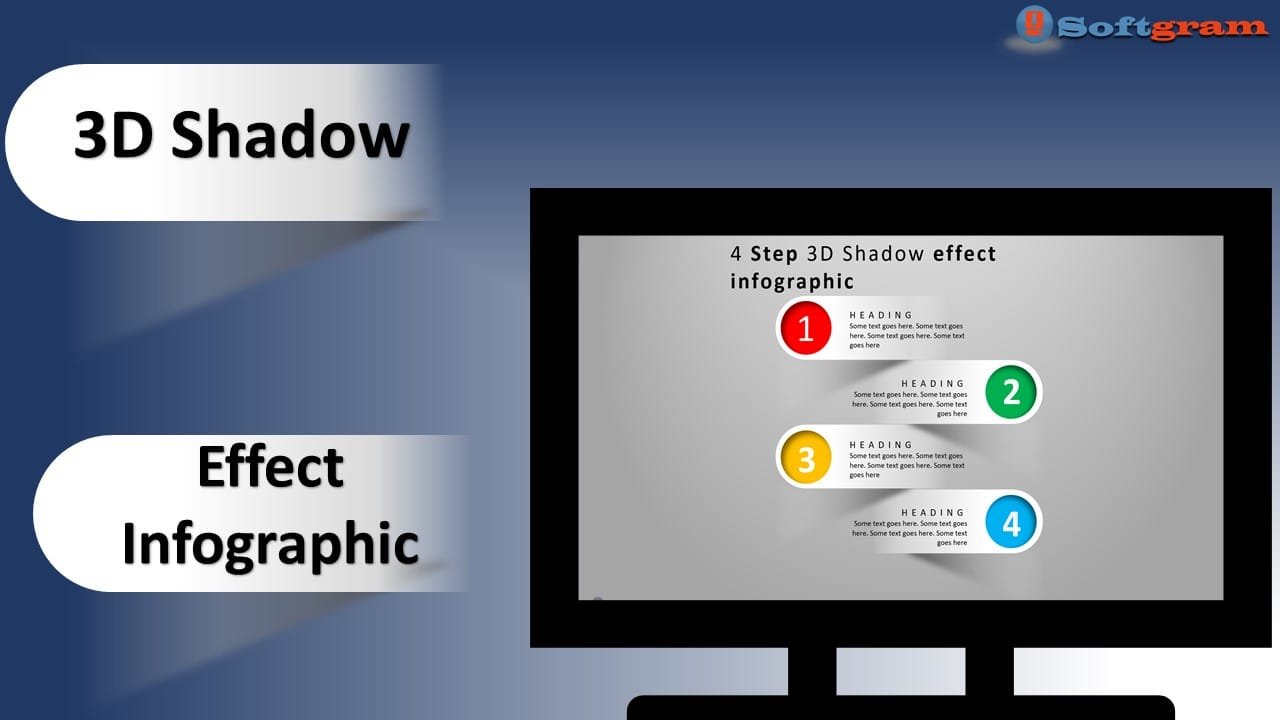
This PowerPoint presentation slide can easily make your audience surprise. And also it is considered as the best work which has been done by the PowerPoint softgrame. As it is a multipurpose PowerPoint template, you can use it in any type of presentation. Moreover, It designed to used as Infographic with 3D Effect and Shadow
Features of this template
- 1 presentation slide
- Attractive color combination
- Shadow Effect s included
- Background Colour included
- Banner or presentation slide
Watch the tutorial video
This step by step tutorial will guide you that how to make this exact PowerPoint template by yourself. We highly recommend you watch the tutorial because it will give you an overview of the whole template file.
Click play to watch the video below.
Information about this template
Here, we are providing brief information about this PowerPoint presentation slide. After watching the tutorial video, you may read this short and simple article to get a clear idea.
Step 01 Change the slide background
At first, you need to change the slide background color gradient Fill with two colors gray accent3 and White.
Step 02 Add a few shapes
In this template, we have used rectangle top corner Rounded, Triangle and Circle shapes which has been used to Main elements of the presentation slide. And also in the beginning, we have added a shadow effect on the rectangle shape. Those shadow settings were, color: black, transparency: 100%,
Step 03 Adding Circle Shap for Every single Rectangle with shadow
If you have followed our tutorial video, you would get to know how we have added all the 4 different Circles. And it is a very important part of making this rectangle Numerical. The circles are decorated with different 4 colors and effected by shadow inner type
Step 04 Add the contents
When we have added different contents as text box and you can add your content as per your Infographic or presentation
Get this PowerPoint template
The best thing is that we are providing this awesome PowerPoint presentation slide for free of any cost. Can you imagine that? So, please show us your kind support for our hard works. If you click on the download button, you will get the file which contains the template file